Nexity Startup Studio
The UI library of Nexity Startup Studio.
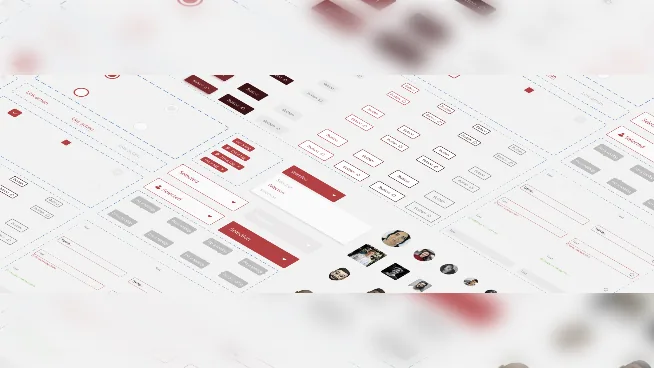
The challenge: build a complete UI library to support and speed up the long-term development of future Startup Studio projects. The result: an improved and extended set of components, built on the principles of atomic design.
Context
This project was part of my apprenticeship at the Startup Studio, Nexity Group’s internal incubator, which develops and accelerates the group’s innovative projects in agile mode.
A UI library saves time and repetitive work. Before, elements were reused or designed from scratch for each new project, which meant longer design cycles. The basics existed, but they needed a new structure that was easier to customise and use as projects evolved. So I defined a new framework, improved the existing components, reworked the naming, created new components, and gathered everything in one clean file that designers and developers could use whenever they needed.
Research
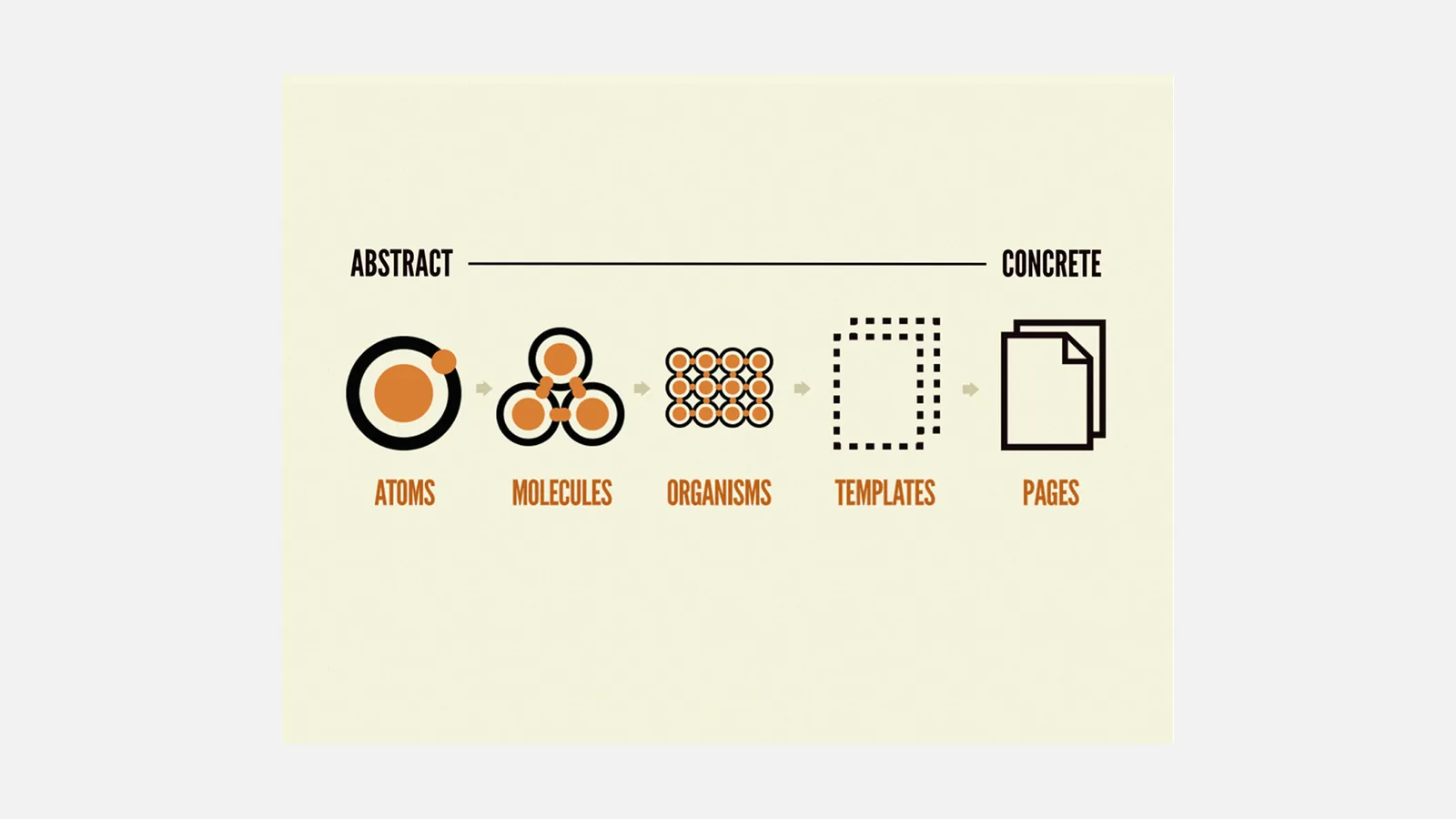
Honestly, I didn’t know much about UI kits, and even less about design systems, but I quickly realised how important they are. I needed to understand what I was getting into from day one, so I spent a lot of time with the Lead Designer in charge of the studio’s projects, observed the designers at work, and researched the atomic design methodology in depth.
Understanding
I audited the initial library and talked with the team to understand their current approach, why they worked that way, how they would like to work, and how the kit could be improved.
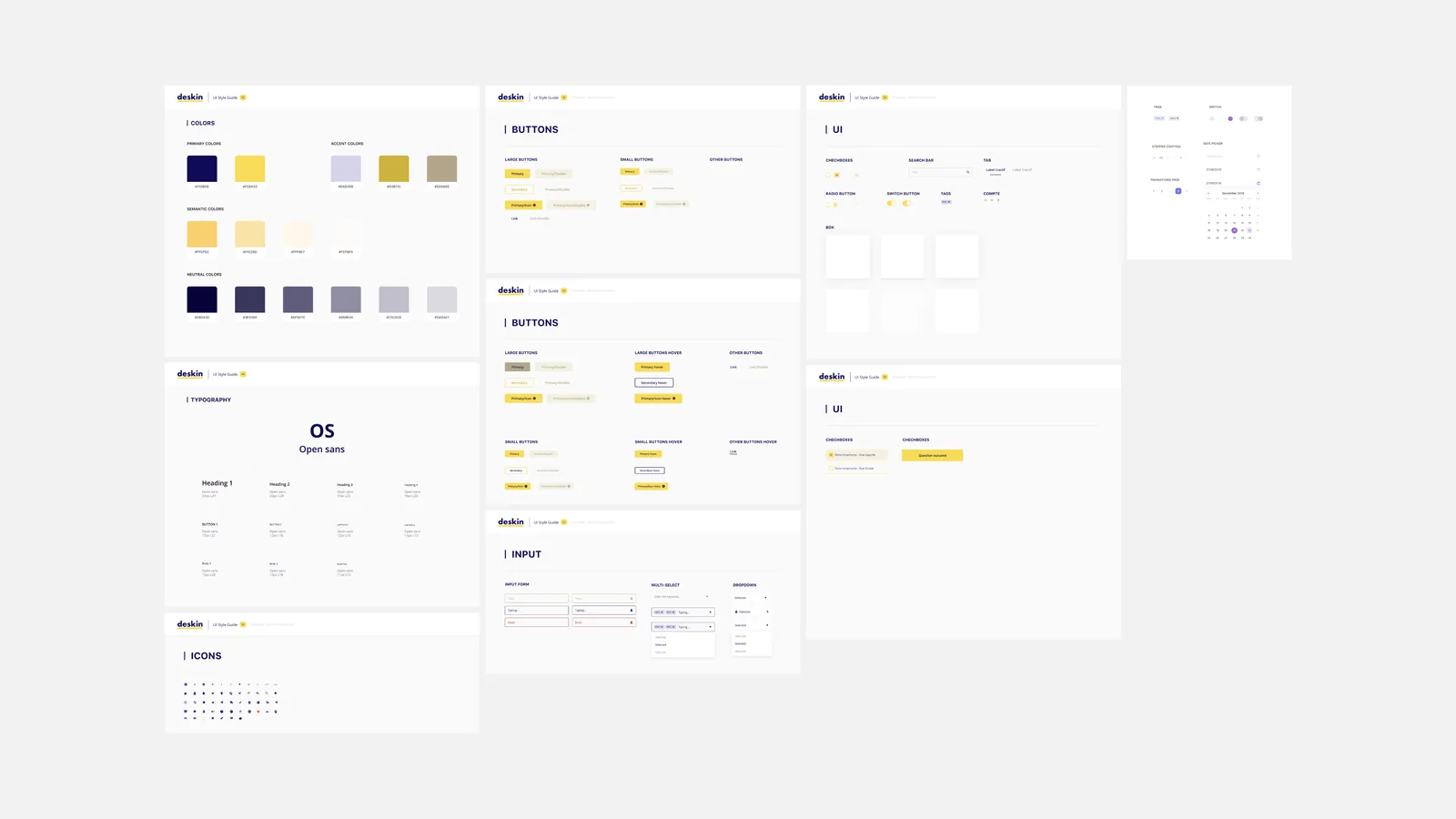
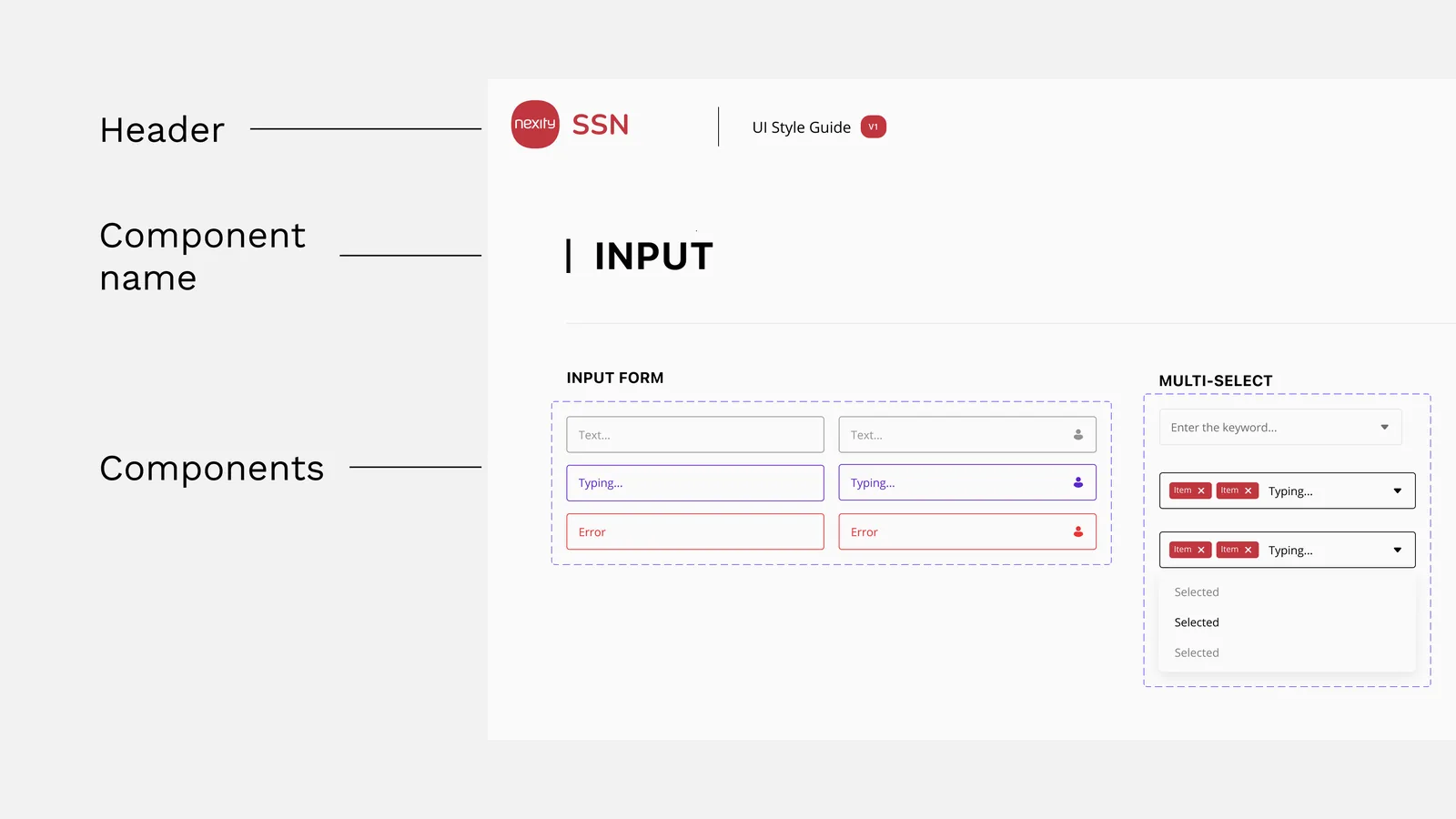
Everything lived on a single page and some elements were incomplete. Designers lost time looking for a specific component, and adding a new one was uncomfortable.
Benchmark
To learn and get inspired, I studied the component design practices of the most popular systems.
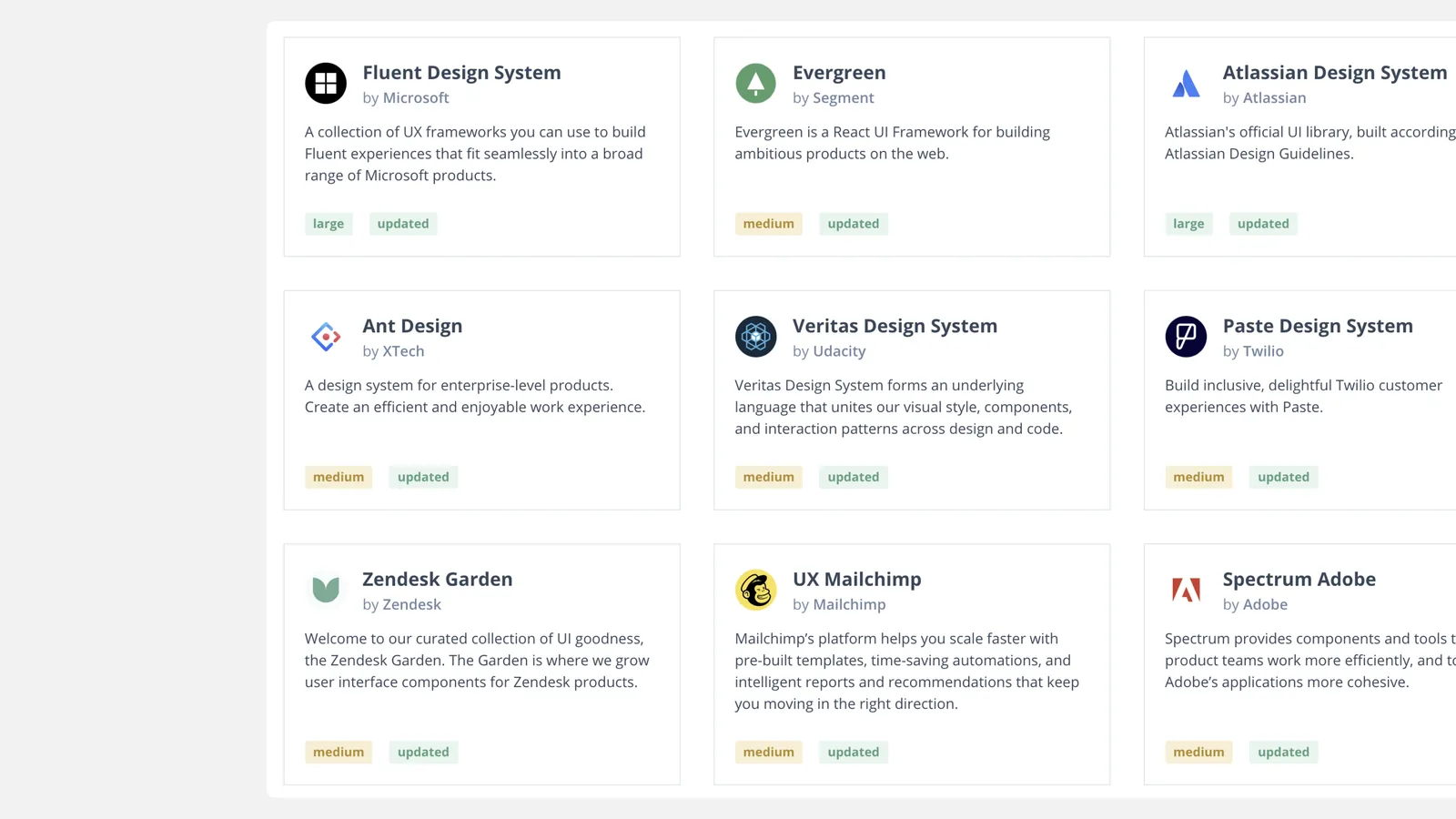
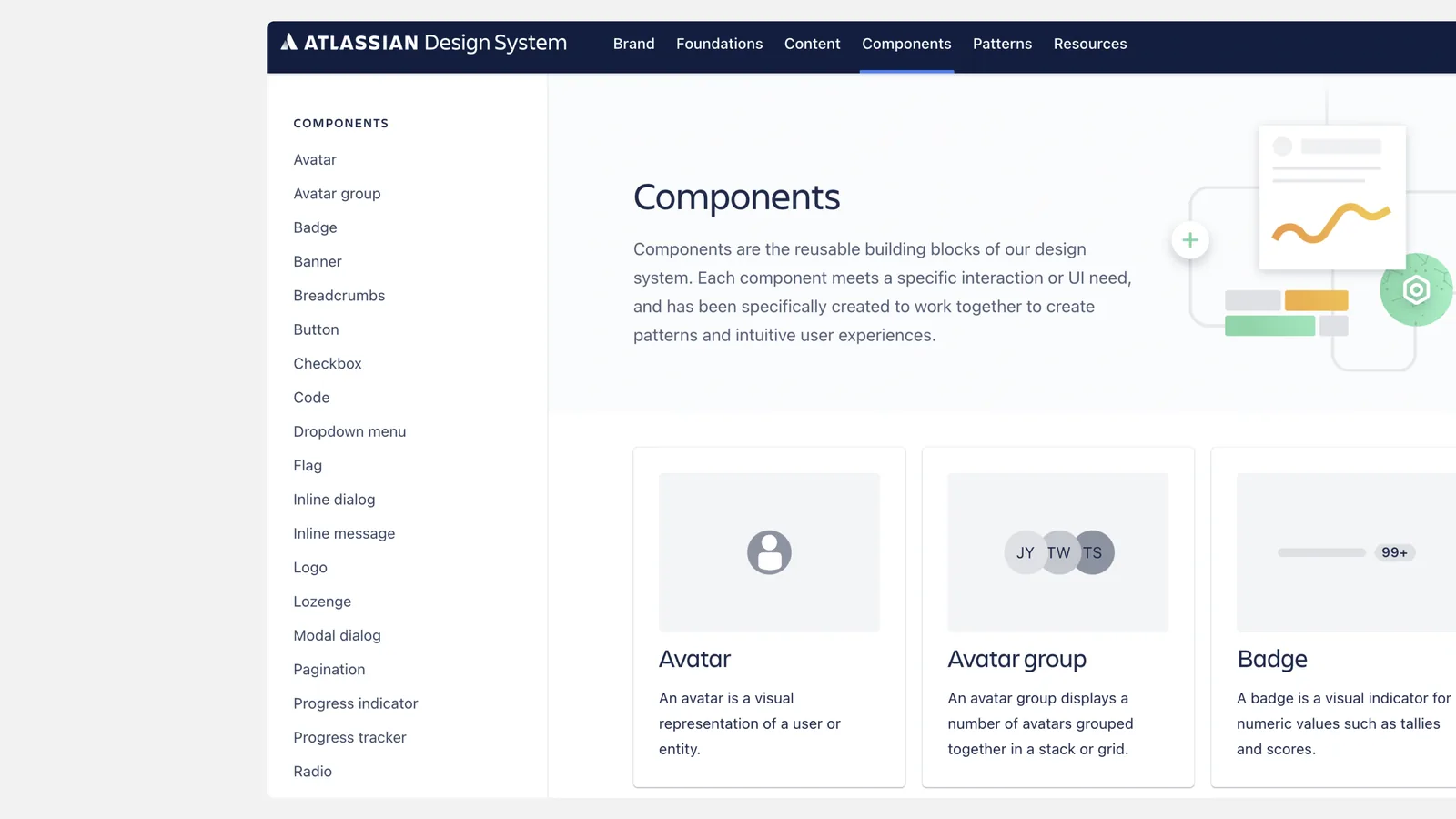
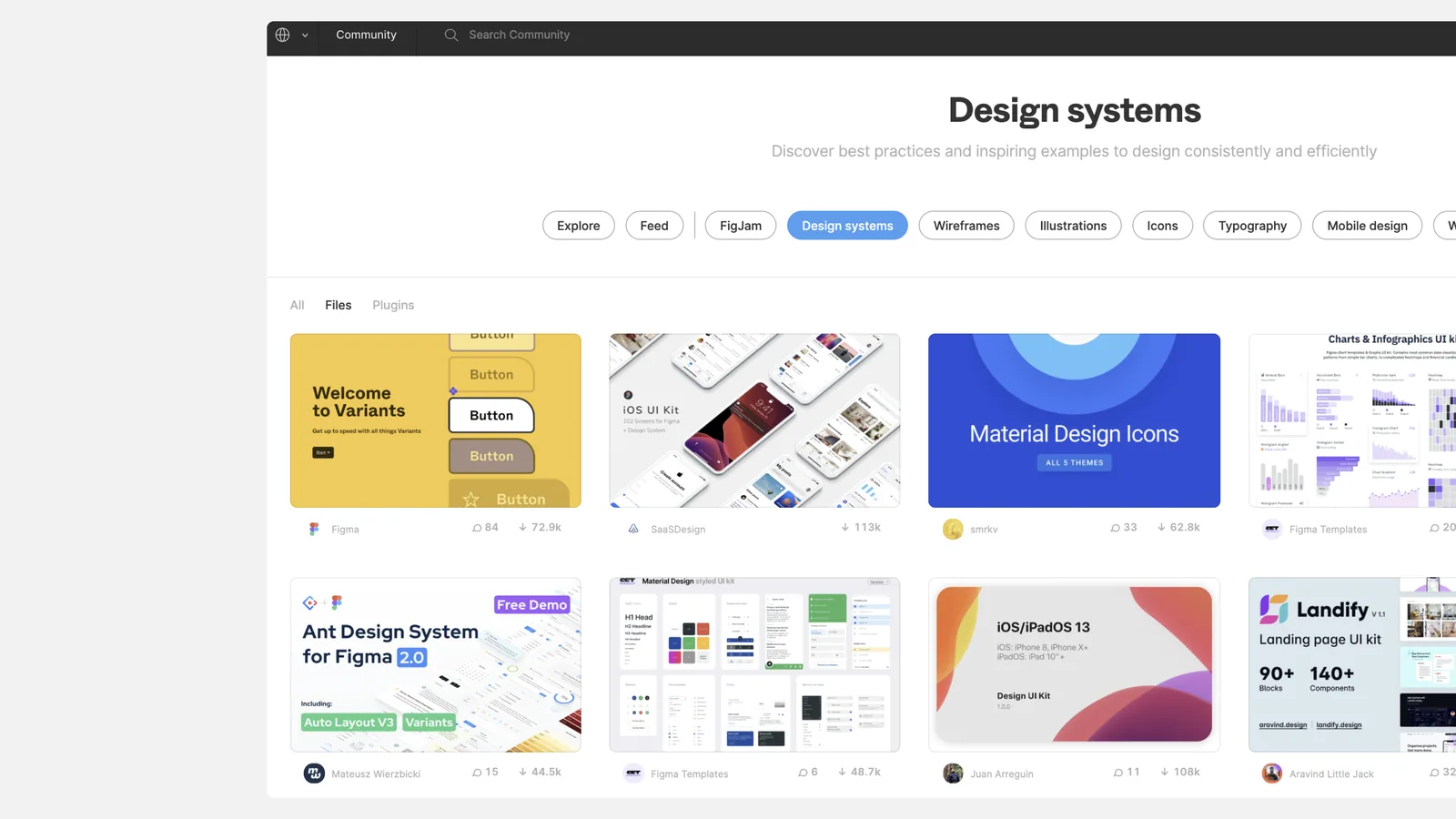
This benchmark helped me understand the structure, naming and behaviour of components in a design system in depth. It was also the perfect way to spot the basic components shared by every system and turn them into a checklist for our kit.
Process
With this research done, I had what I needed to set up the new Figma file that would host the library. The idea: centralise UI elements in one file and use them in any project with very few adjustments.
Structure
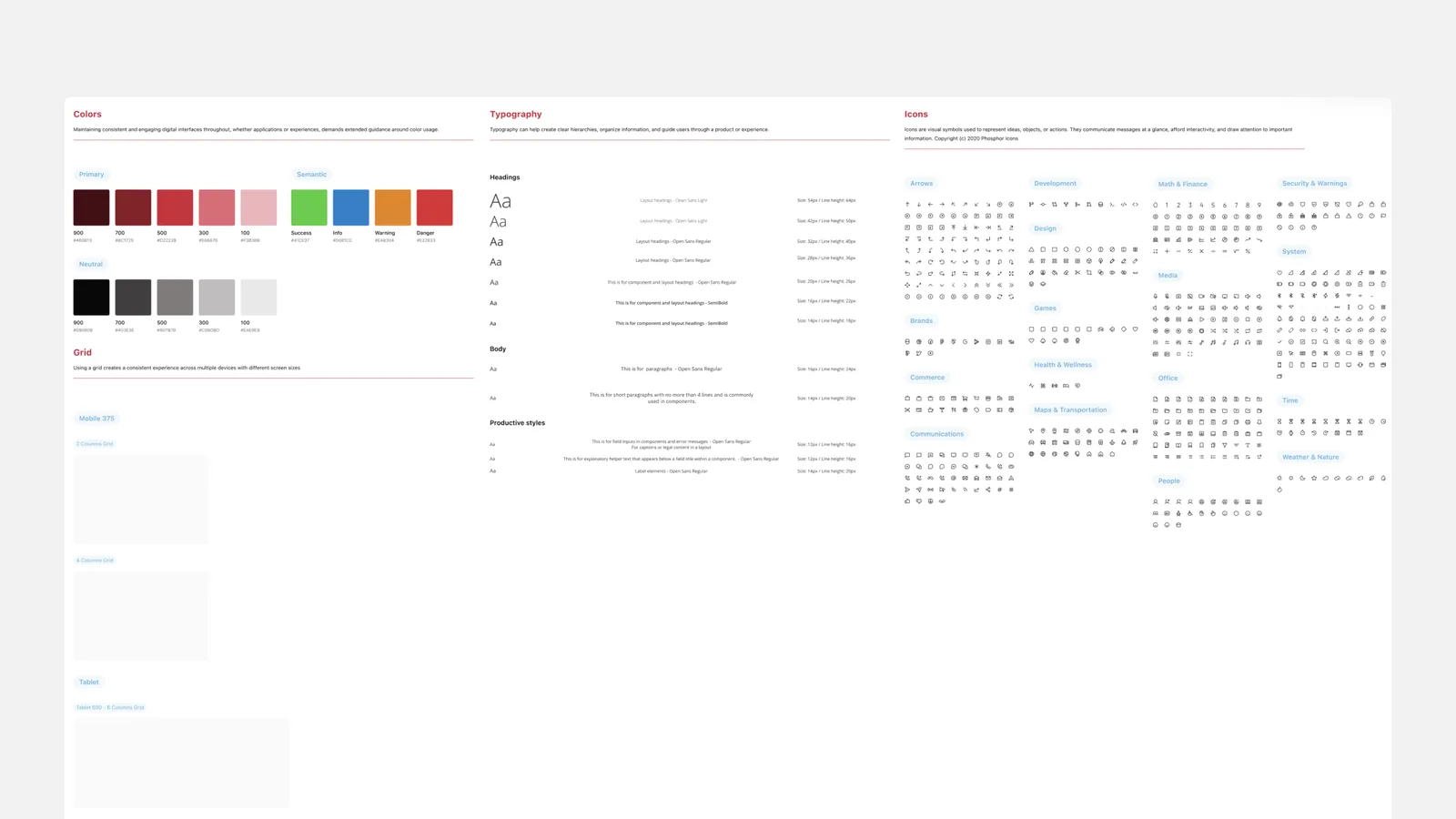
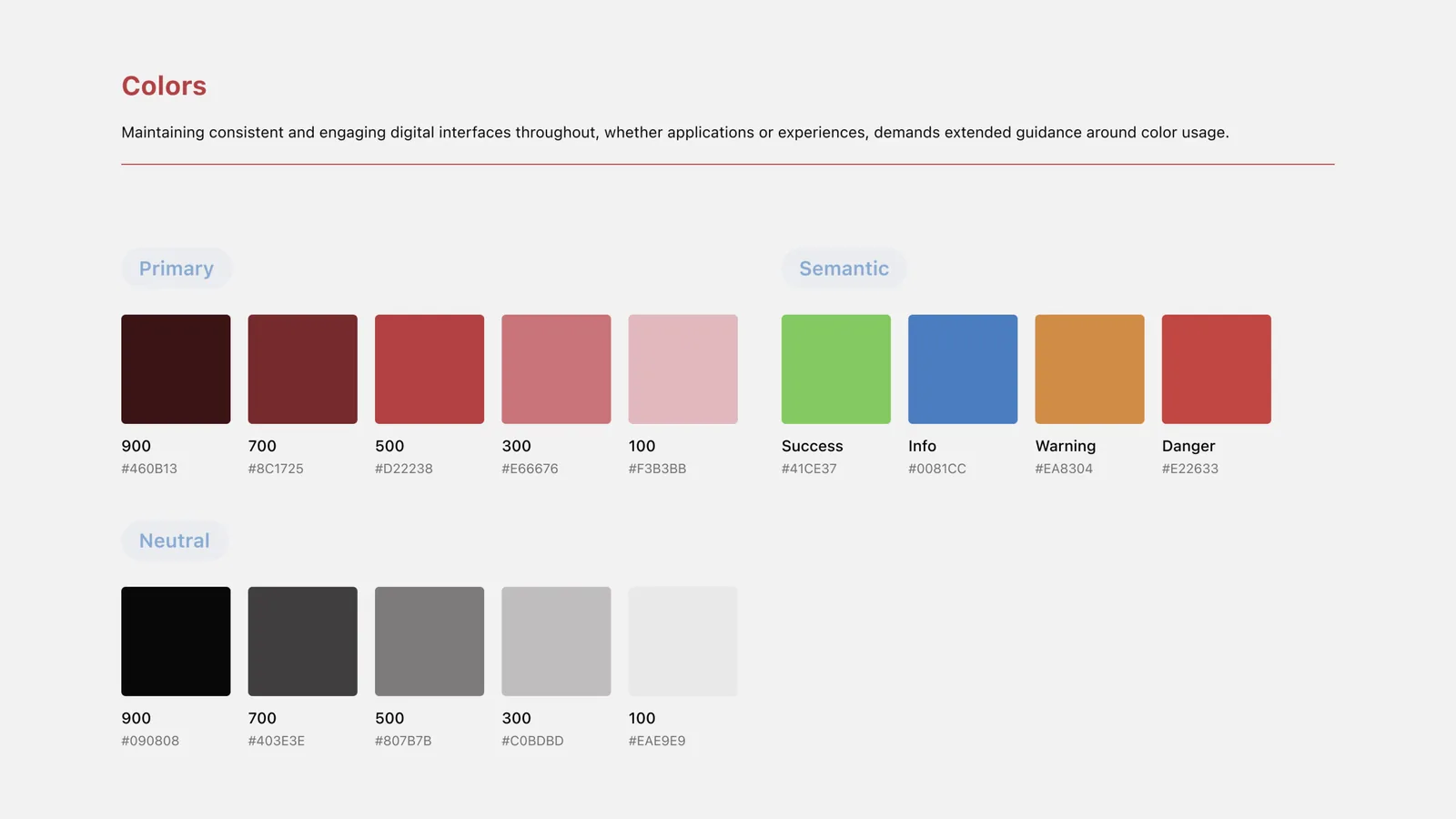
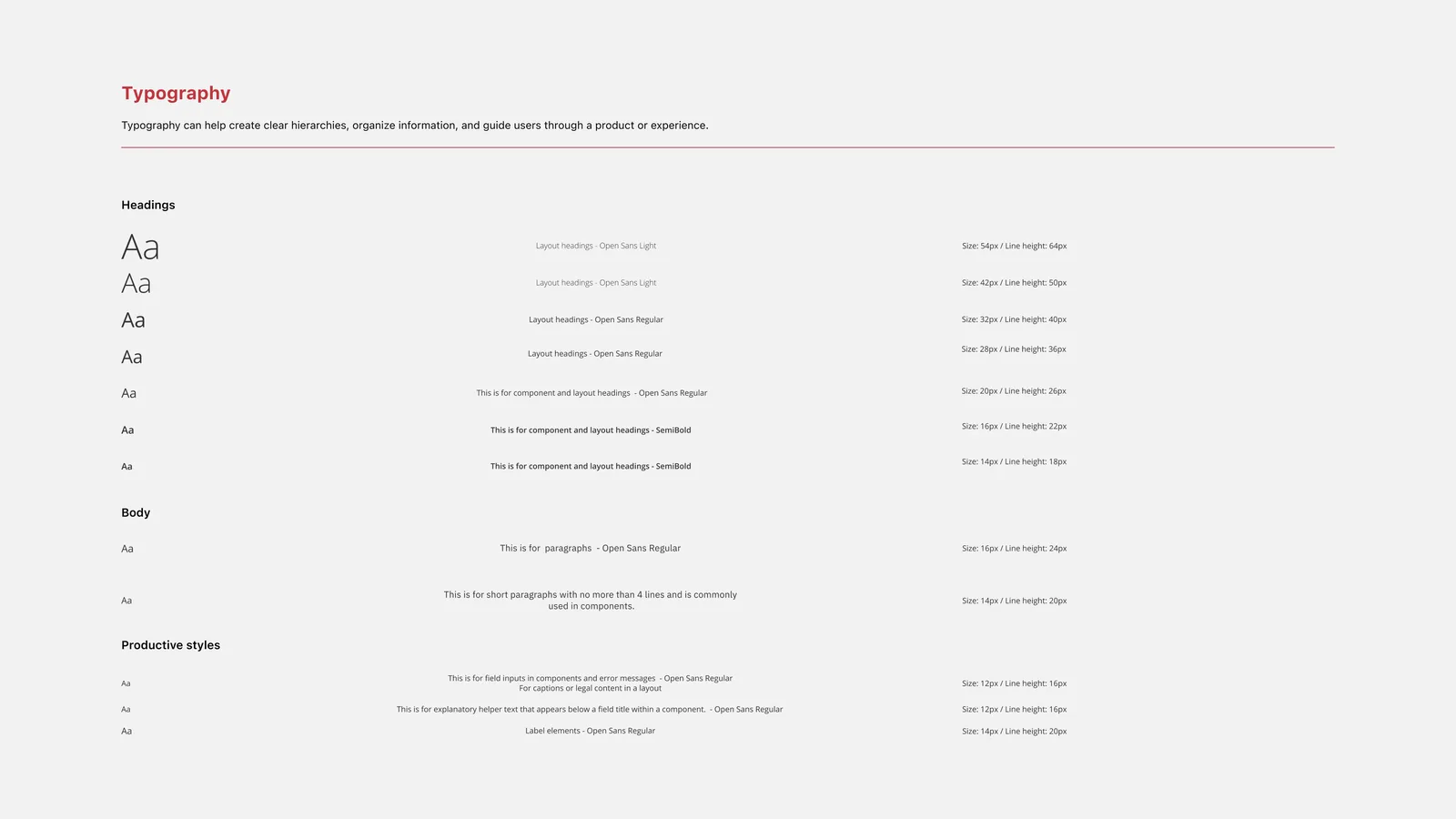
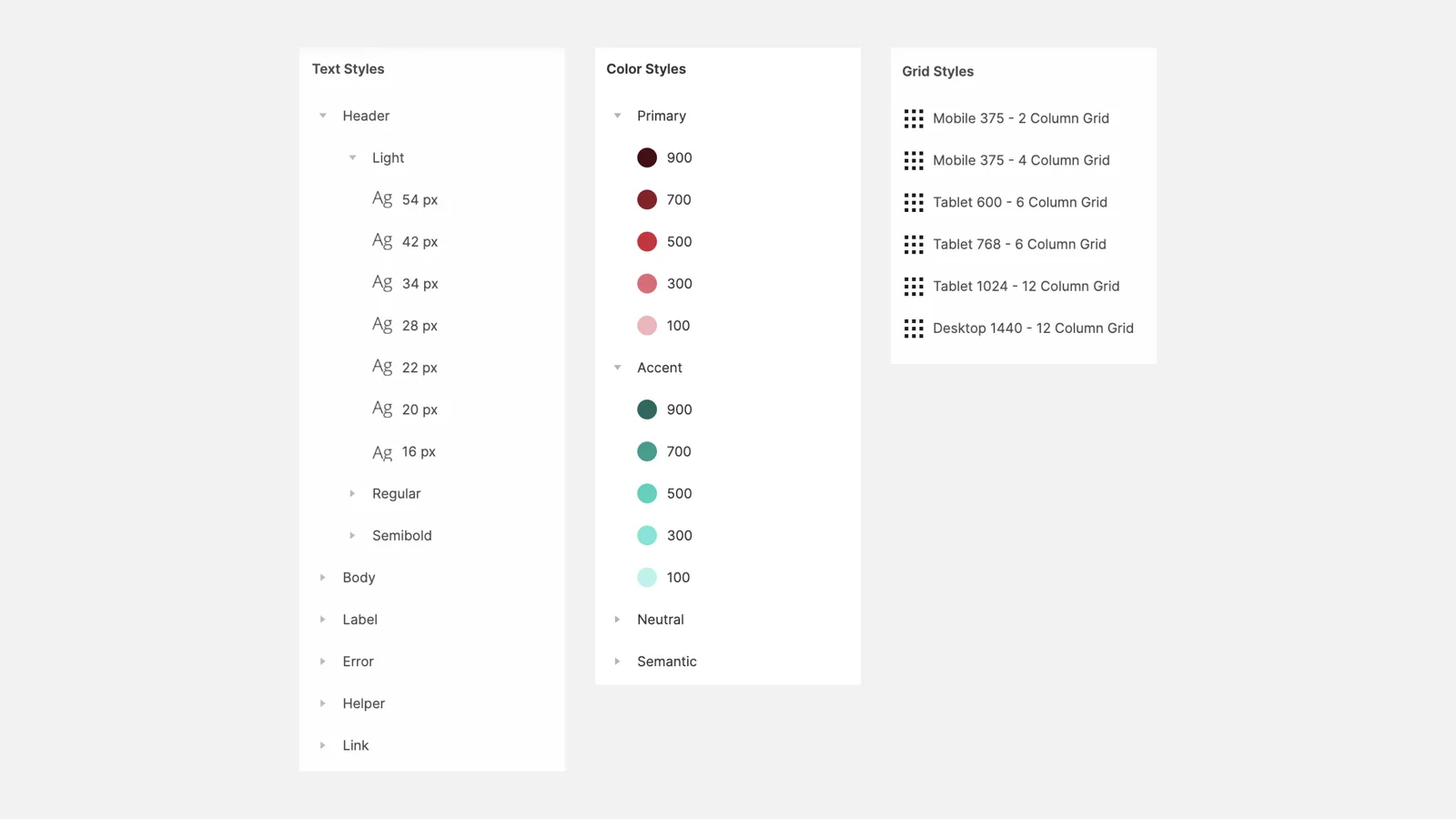
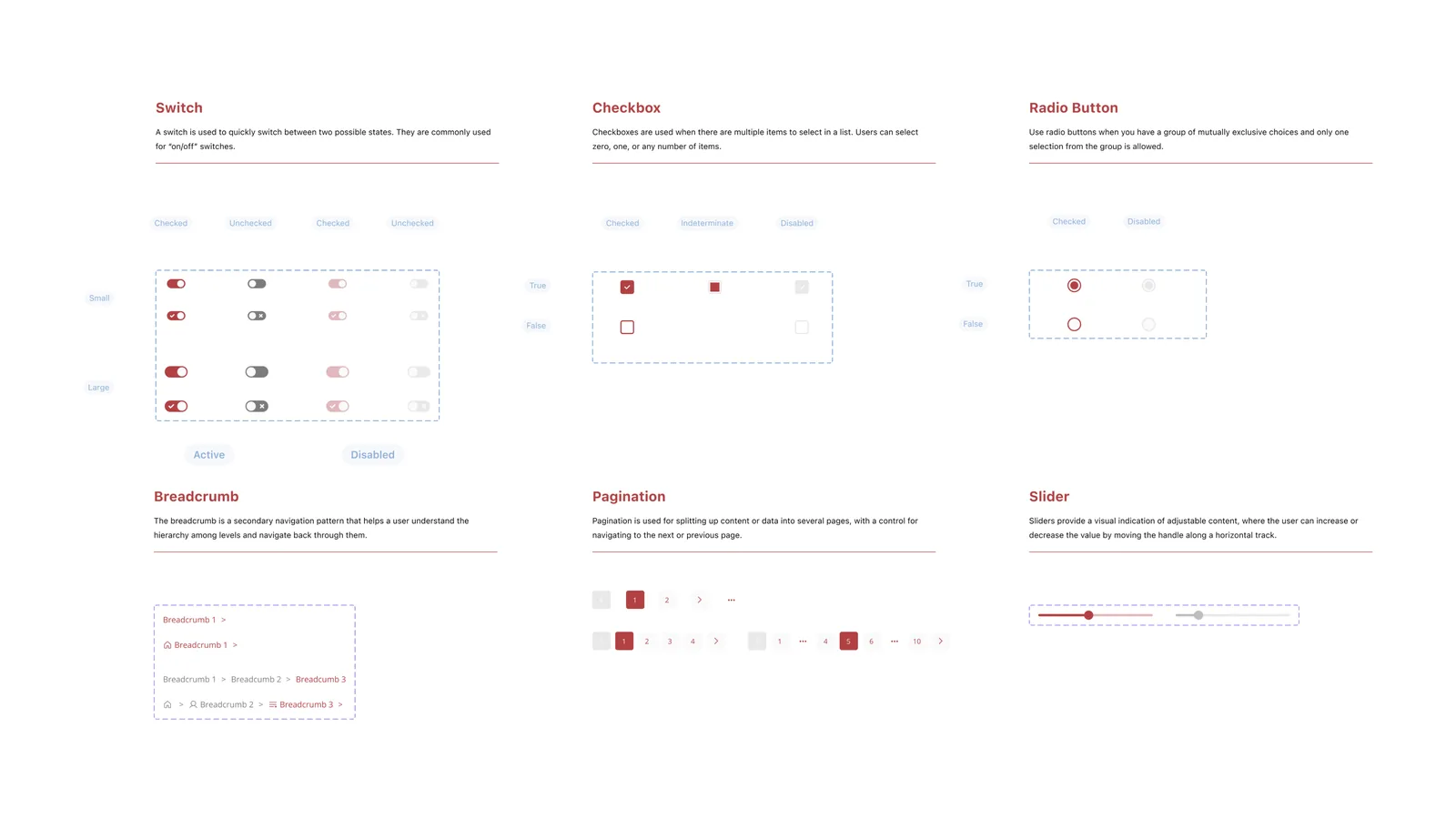
From the start, I designed and validated a tailor-made page structure with the team. The foundation defines the visual language of the whole system; it’s the theme that shapes every other component. I added colours, typography, icons and grids.
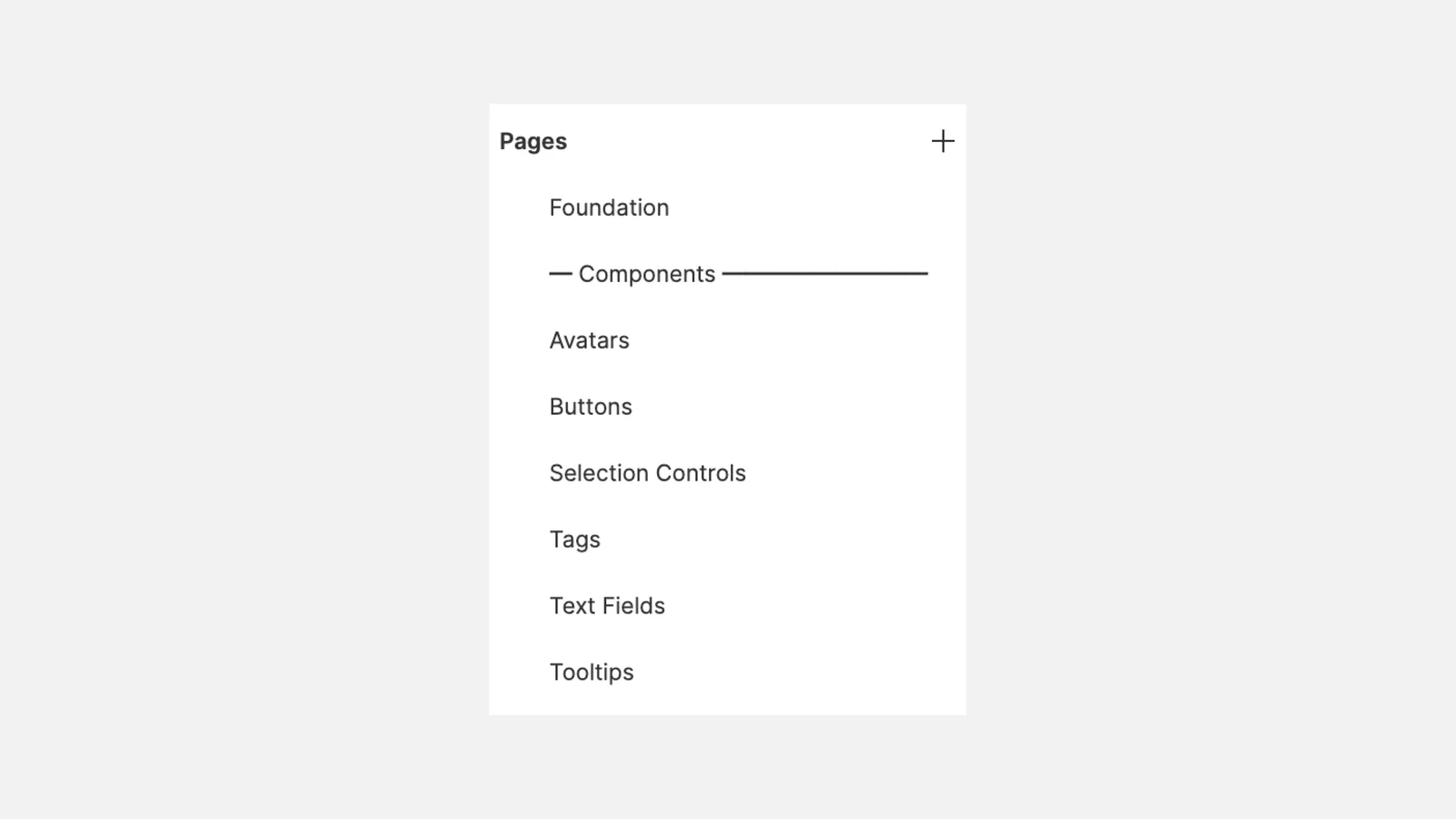
Components
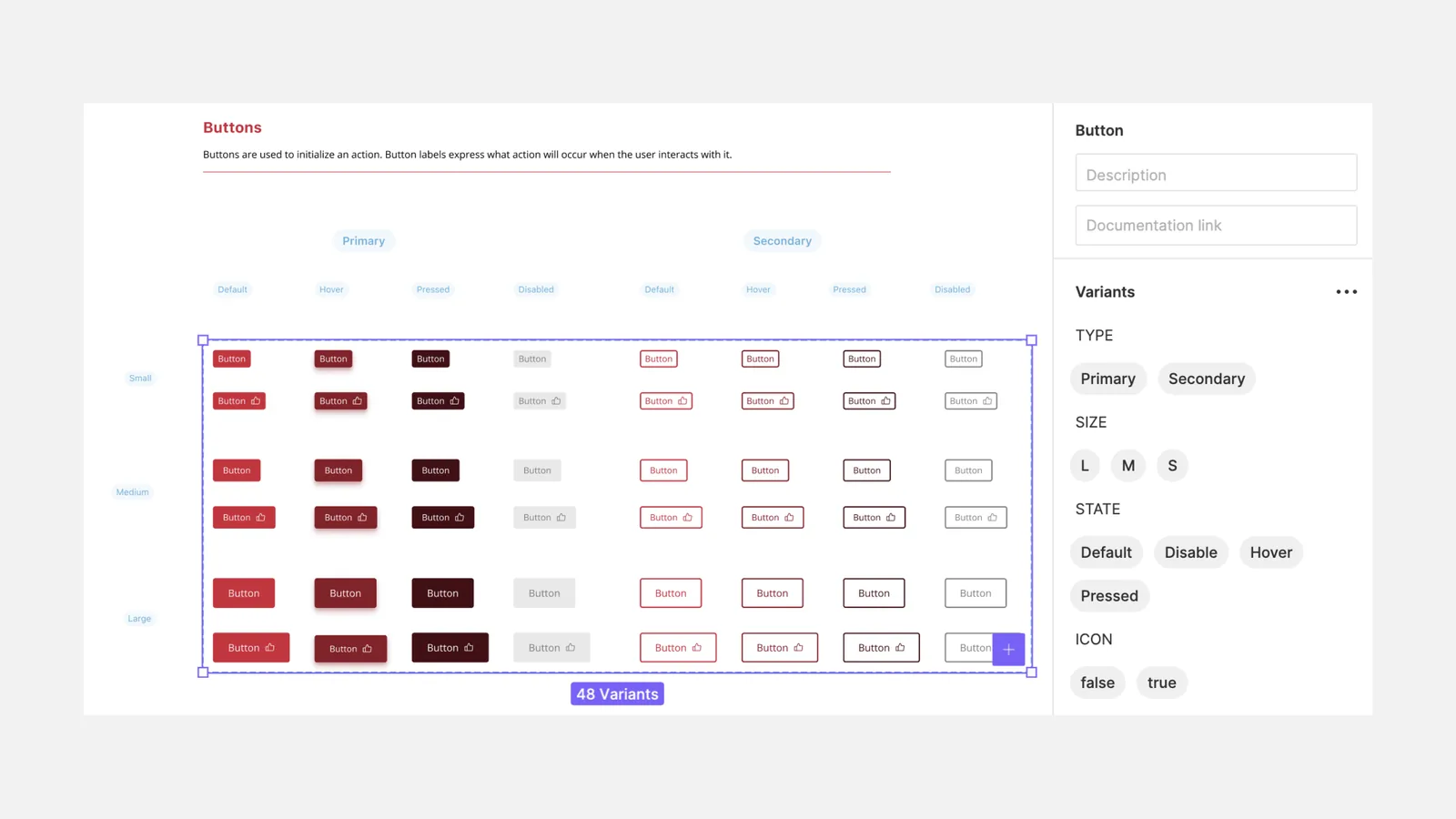
Components are the building blocks and the guide for creating interfaces. I made the most of Figma’s features at the time, like auto layout and variants, to design them.
Impact
The library drastically reduced design time on the studio’s projects. It made it possible to ship quality prototypes and MVPs in just a few weeks.
Learnings
This project took a lot of research and design time because of the variety of components. It was time well invested, with a lasting impact on future projects, and I really enjoyed diving into every element of the library.
It doesn’t have to be perfect at first, you just have to start somewhere. After all, design is a long process of iteration and improvement.
Accessibility in visual design, typography, colour and so on, matters a lot, especially at this stage, because these are the elements that will shape every interface.